ECOVACS T50 Pro Omni filter
The ECOVACS T50 Pro Omni takes the ECOVACS Antibacterial Filter (T50 Pro Omni, T50 Omni, N50 Omni, T30S Pro Plus) (part DFI030041) as its filter; replace it every 3 months; Australian sellers list it from A$14.99 as of 1 August 2026. Fitment confirmed against the manufacturer's compatibility list.
Appliance confirmed before purchase
Not yours? Change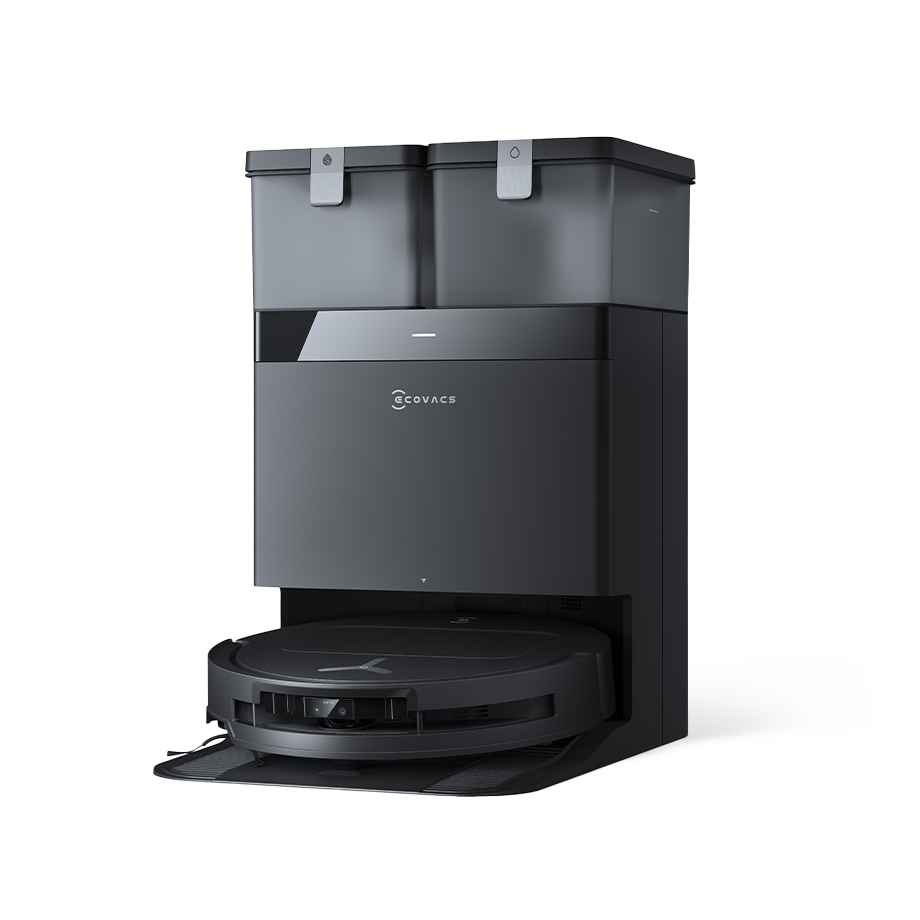
Your robot vacuum
ECOVACS T50 Pro Omni
Robot vacuum · T series
Takes this filter
Antibacterial Filter (T50 Pro Omni, T50 Omni, N50 Omni, T30S Pro Plus)
DFI030041
The right filter for T50 Pro Omni
ECOVACS Antibacterial Filter (T50 Pro Omni, T50 Omni, N50 Omni, T30S Pro Plus)
- Replace every 3 months
- Fits inside the fridge
- Fits 4 models
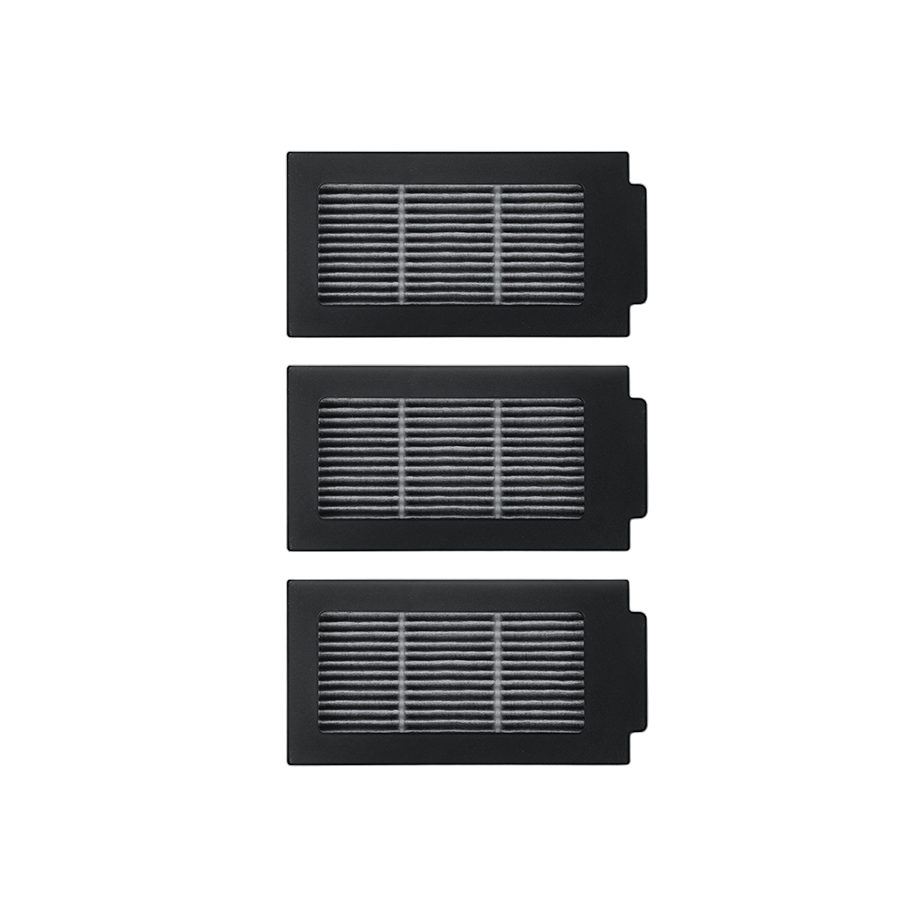
Antibacterial filter for the T50 Pro Omni, T50 Omni, N50 Omni and T30S Pro Plus.
- Pack
- 3 filters
- ECOVACS part
- DFI030041
Every number this part goes by
- Retail name:
- 201-2425-0202
Where to buy
Every seller we track for this part, cheapest first. Genuine is the manufacturer's own part; compatible is a third-party filter made to fit. Prices are re-checked daily where the seller publishes them. Last checked 1 August 2026.
How long it lasts
Replace every 3 months — the app reminds you.
After fitting: Reset the filter under Consumables in the ECOVACS Home app.
Flow slows and taste drops off as the filter fills up. Changing on time is the whole point of the filter.
Not due yet?
This filter is due every 3 months. We'll email you when it's time — free, no spam.
Fitting it
A few minutes, no tools. Watch it done, then follow the steps.
- 1Lift the robot's top cover and pull the dust box out by its handle.
- 2Press the clip on the back of the box and lift the old filter off.
- 3Clip the new filter on with the pleats facing the box, close the box and slide it back until it clicks.
- 4In the ECOVACS Home app open Consumables, tap Filter and choose Reset.
About your ECOVACS T50 Pro Omni
ECOVACS robot vacuum, robot vacuum — T series. Its filter is the Antibacterial Filter (T50 Pro Omni, T50 Omni, N50 Omni, T30S Pro Plus), part DFI030041, changed every 3 months.
Also in this robot vacuum: ECOVACS Antibacterial Dust Bag (X8 / X8 Max, T50 / T50 Max / N50, T80 / T80S, T30S Pro Plus) (every 2 months), ECOVACS Anti-Tangle Main Brush (X8 Pro Omni, T50 Omni / Pro, N50 Omni, T80 Omni, T30S Pro Plus) (every 12 months), ECOVACS Antibacterial Washable Mopping Pads (T50 / T50 Max / N50, T30 / T30S family) (every 6 months), ECOVACS Side Brush (X8 Pro Omni, T50 Omni / Pro, T50 Max Pro Omni) (every 3 months). Worth replacing together — one job, not two.
Checking the model number: Turn the robot over: the model name and serial are on the label on the underside. The model name is also on the top lid of most robots.
Fits these models
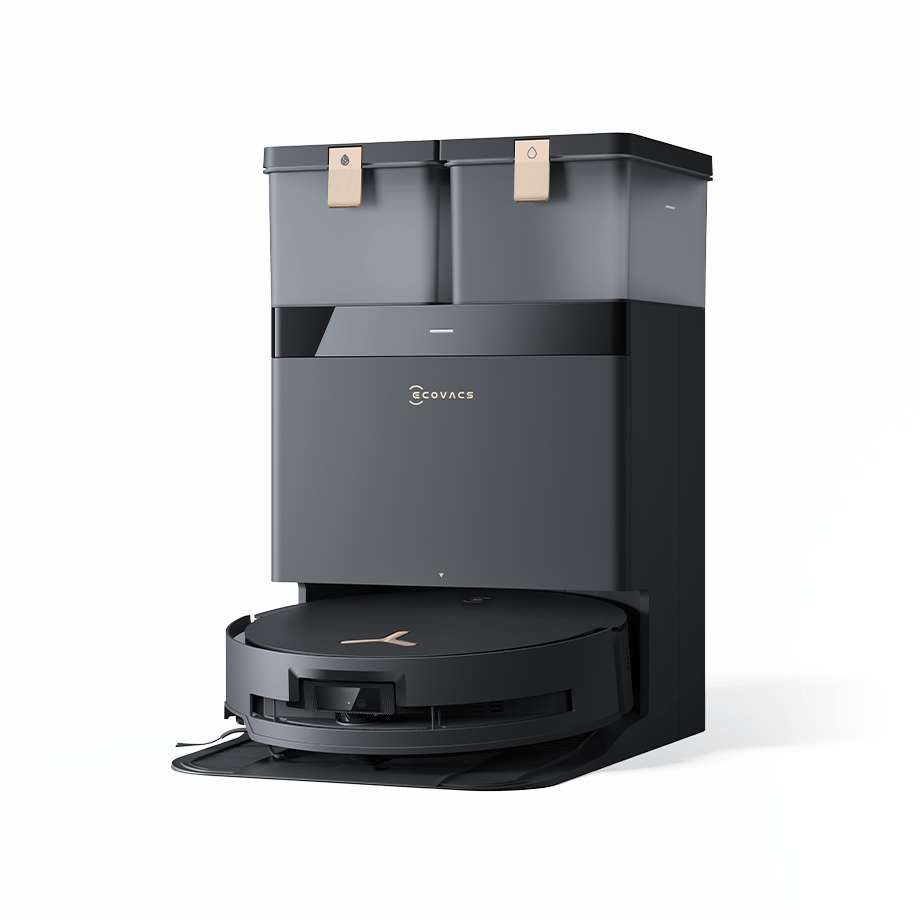 ECOVACS4 models
Common questions
- Which filter fits the ECOVACS T50 Pro Omni?
- The ECOVACS T50 Pro Omni takes the ECOVACS Antibacterial Filter (T50 Pro Omni, T50 Omni, N50 Omni, T30S Pro Plus) (part DFI030041). Compatible filters made to the same specification also fit.
- How often should I replace the filter in my ECOVACS T50 Pro Omni?
- Every 3 months. Flow slows and performance drops off as the filter fills up, so it's worth doing on time.
- Where can I buy the DFI030041 in Australia?
- We track 2 Australian sellers for the DFI030041; the lowest listed price when we last checked was A$14.99 at robot_specialist. Prices are re-checked daily and dated on this page.
- How do I fit the DFI030041 in a ECOVACS T50 Pro Omni?
- No tools, a few minutes: 4 steps, listed on this page with the replacement video where the maker has one.
Own a T50 Pro Omni and this looks wrong? . Reports go to a person, not a bot.